ToDo List FREE
Everything you need to organize everyday tasks, create lists and set reminders.
Simple productivity. Focus. Motivation.
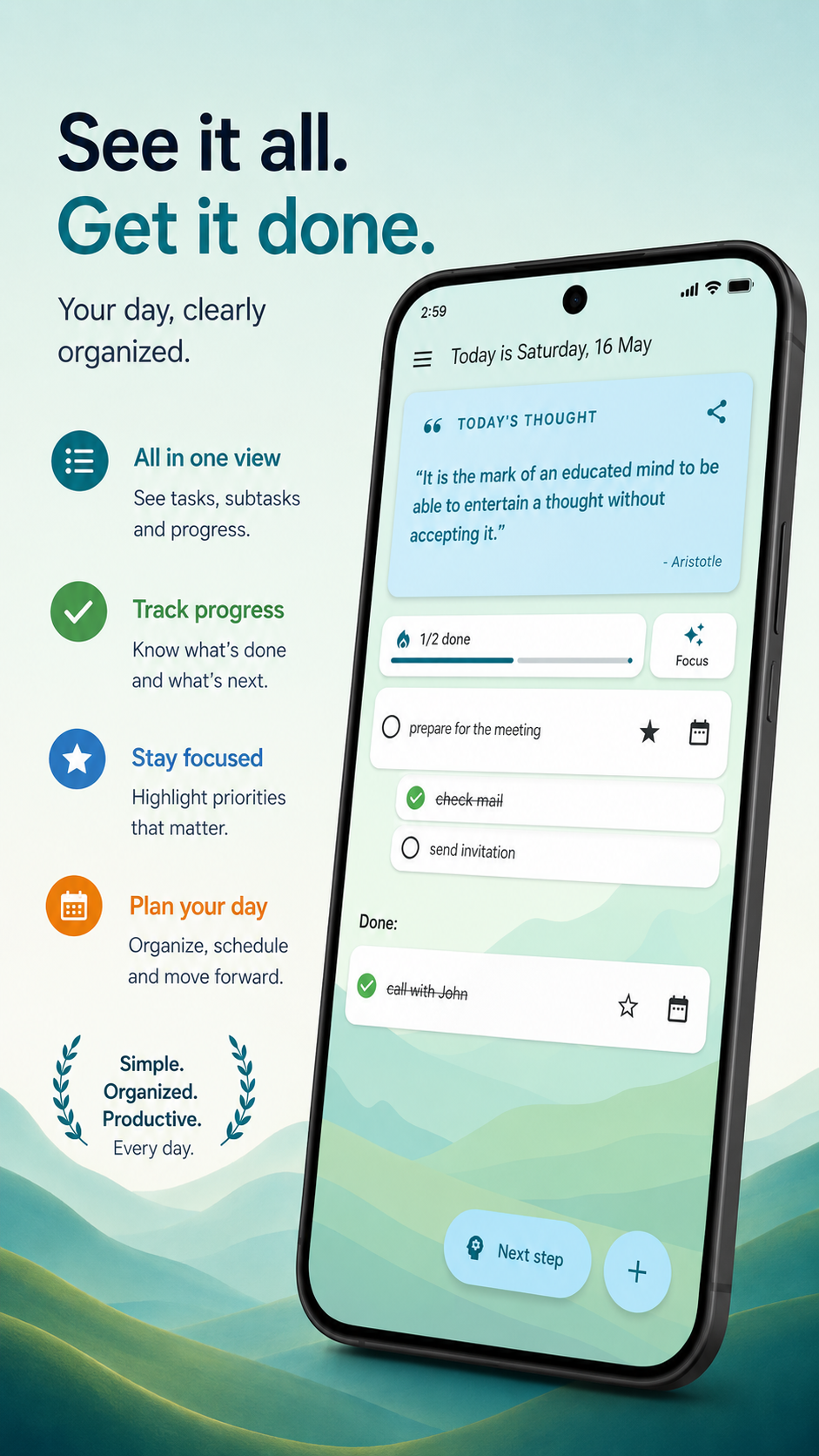
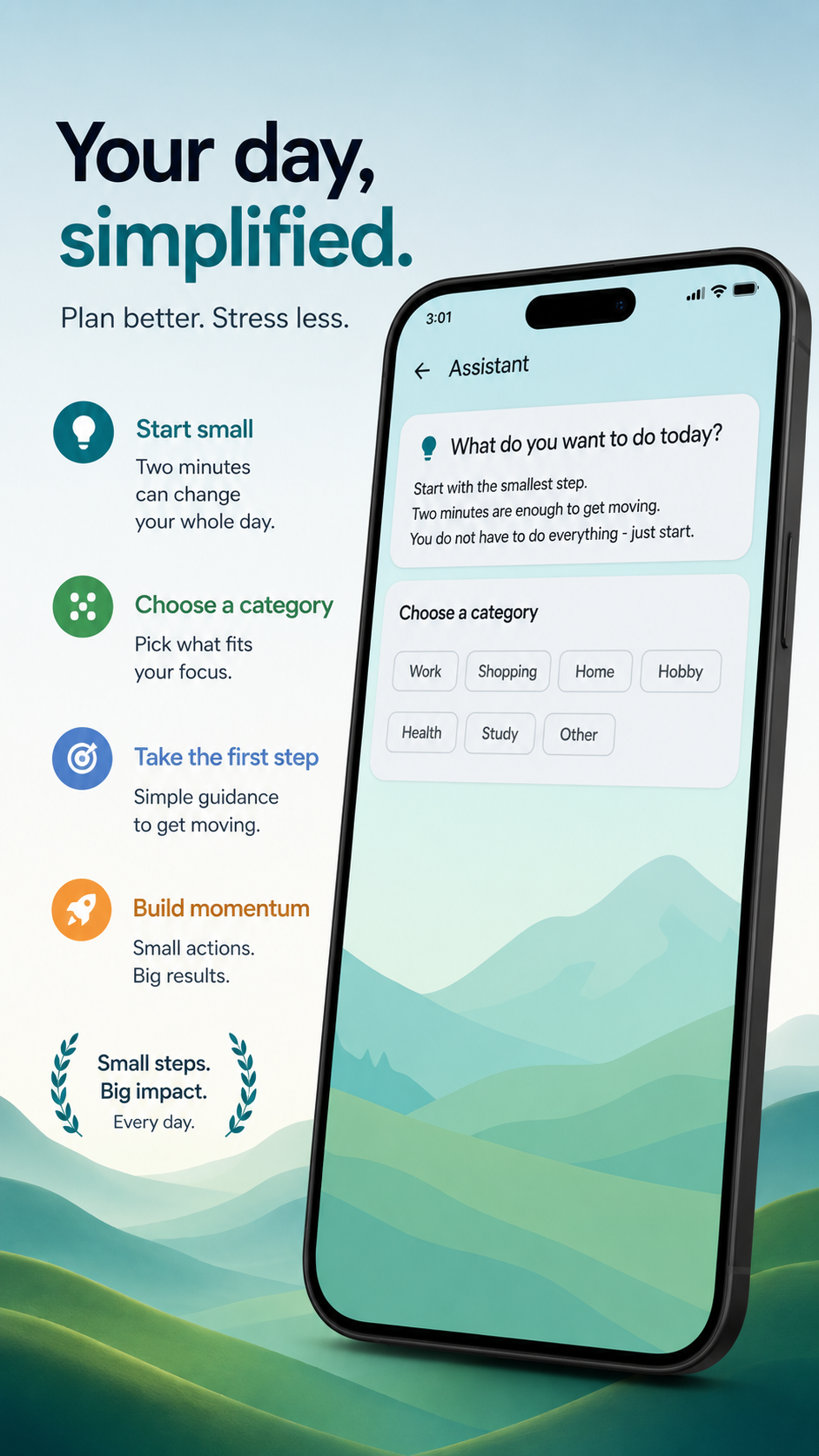

Stay organized without feeling overwhelmed.
Track tasks, subtasks and daily progress from one clean dashboard designed for focus and clarity.
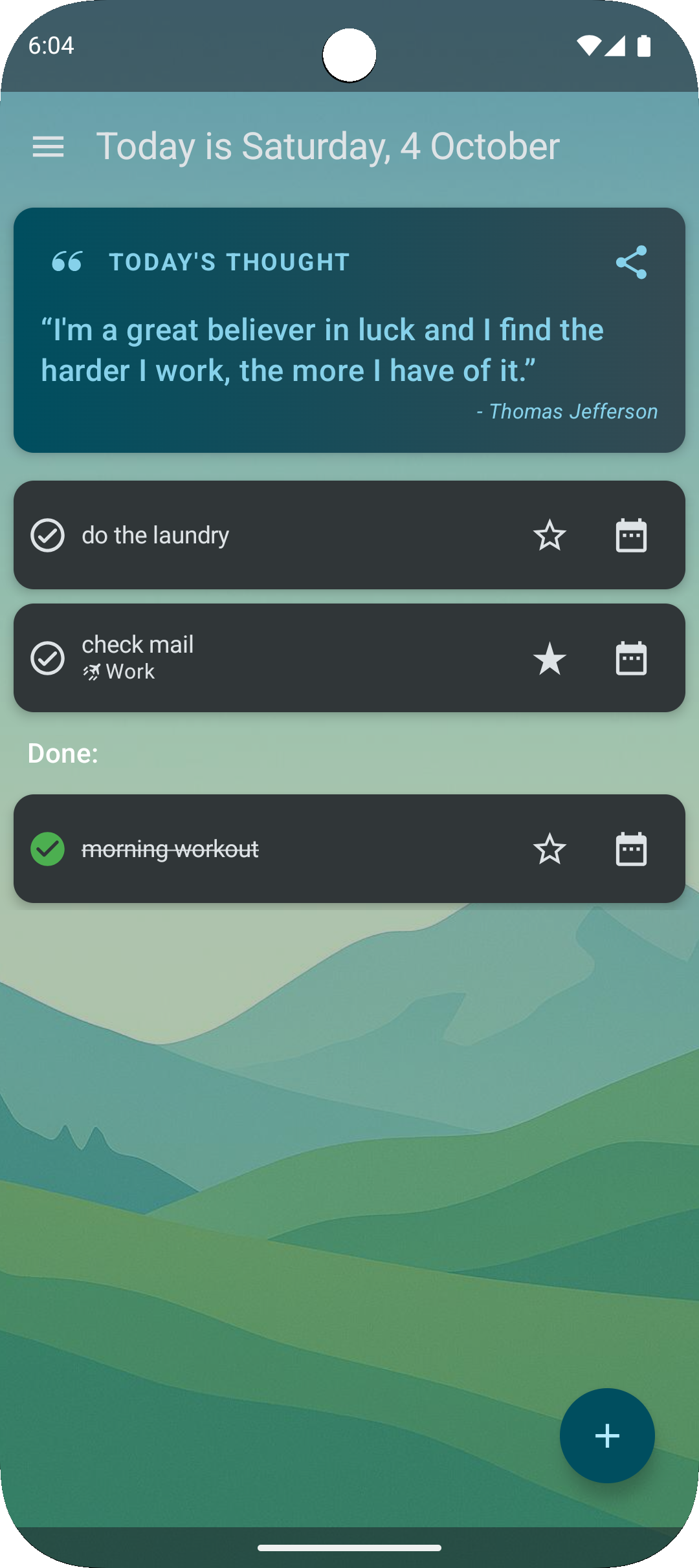
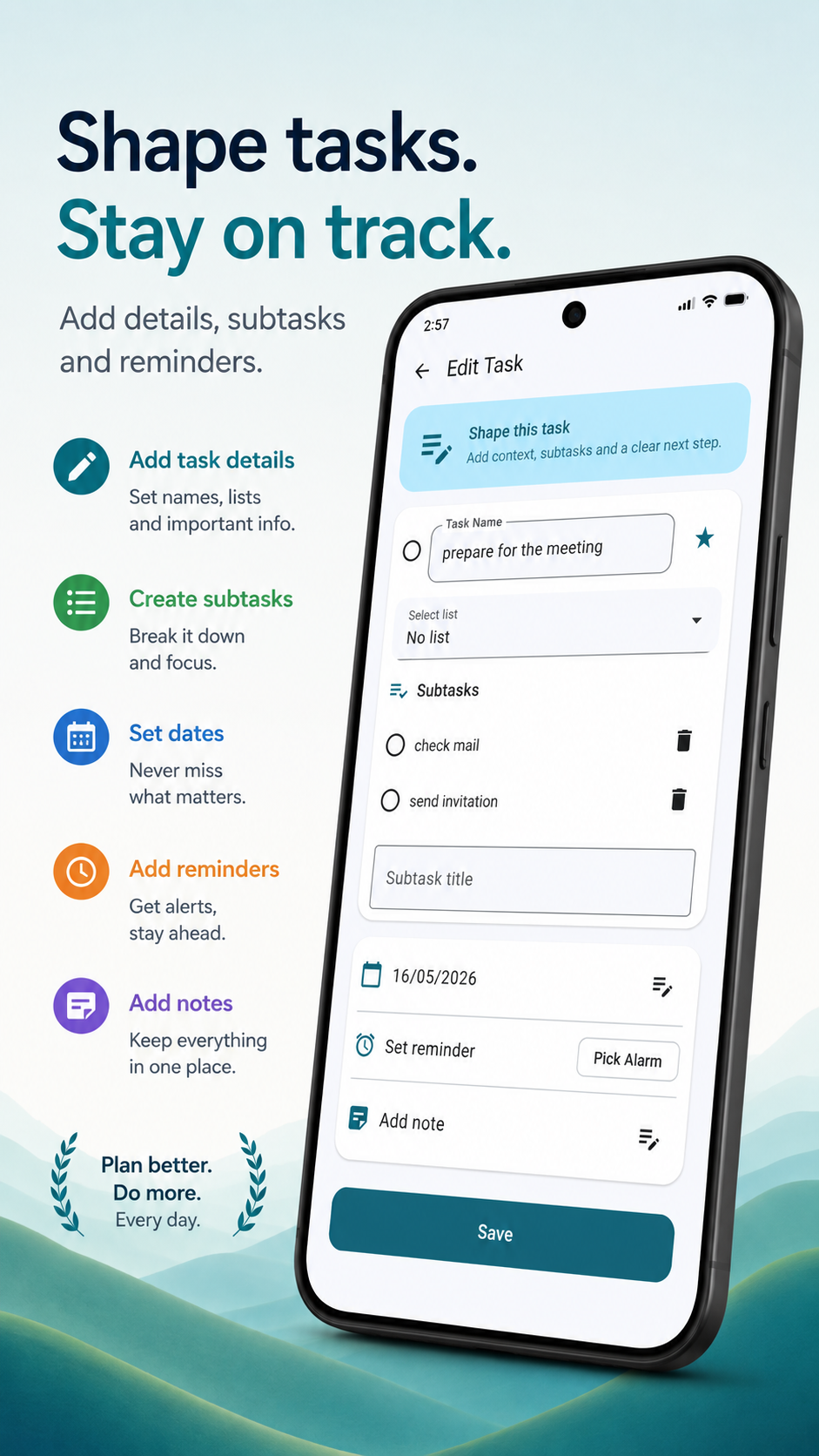
Break down big goals into manageable steps.
Add subtasks, reminders, notes and dates so you always know what to do next.
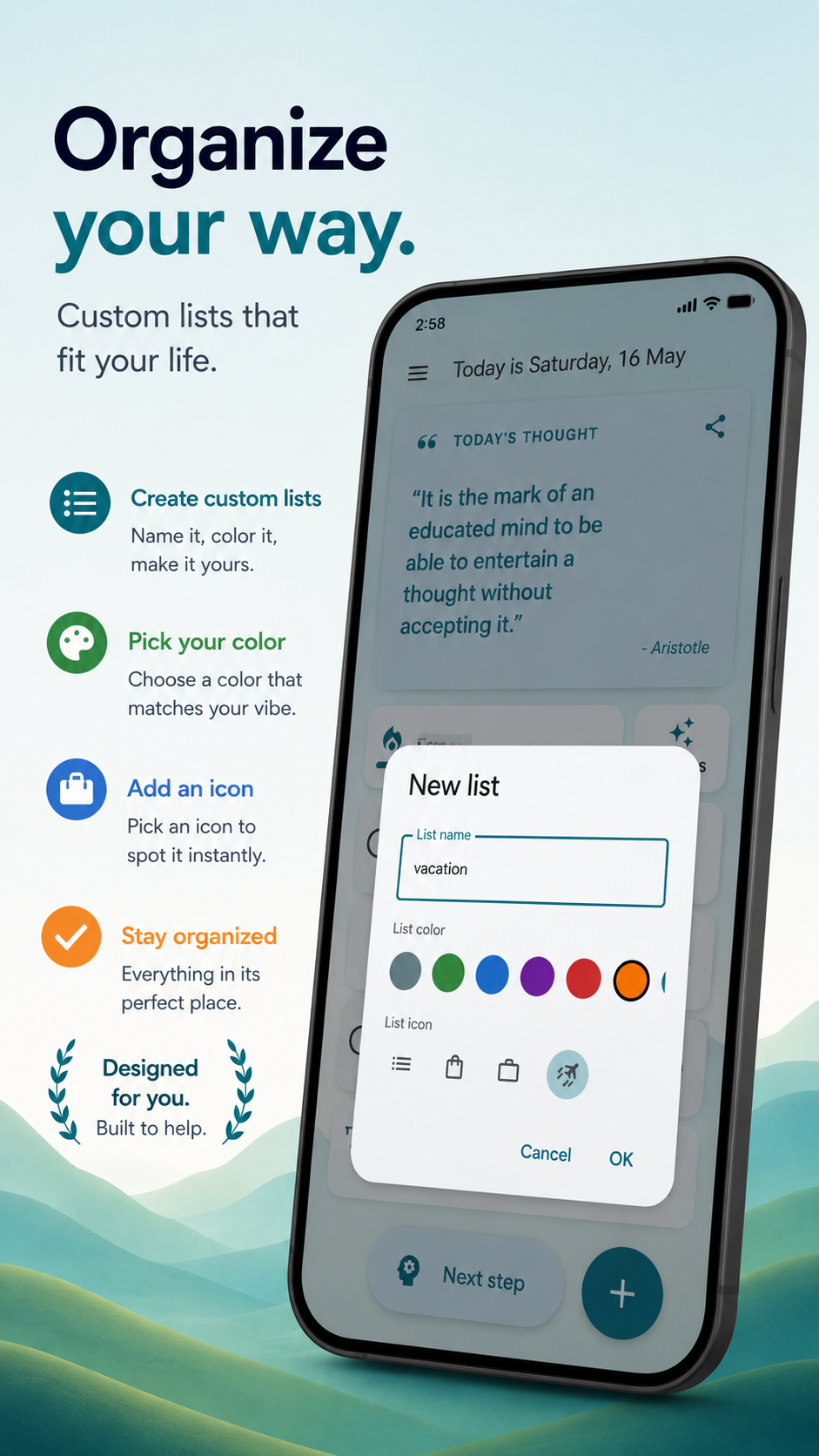
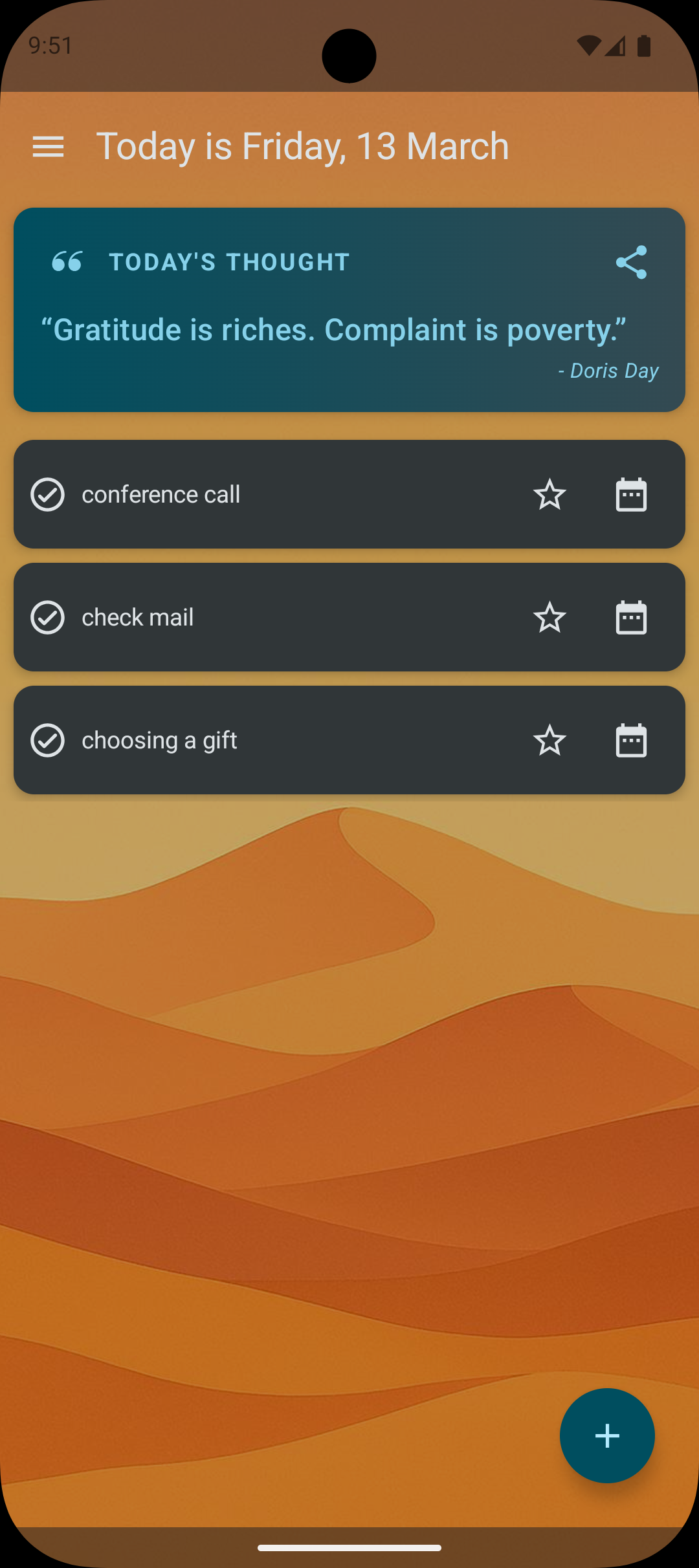
Flexible lists built around your lifestyle.
Personalize your lists with colors and icons to create a system that feels natural and intuitive.
Productivity should feel simple, not stressful.
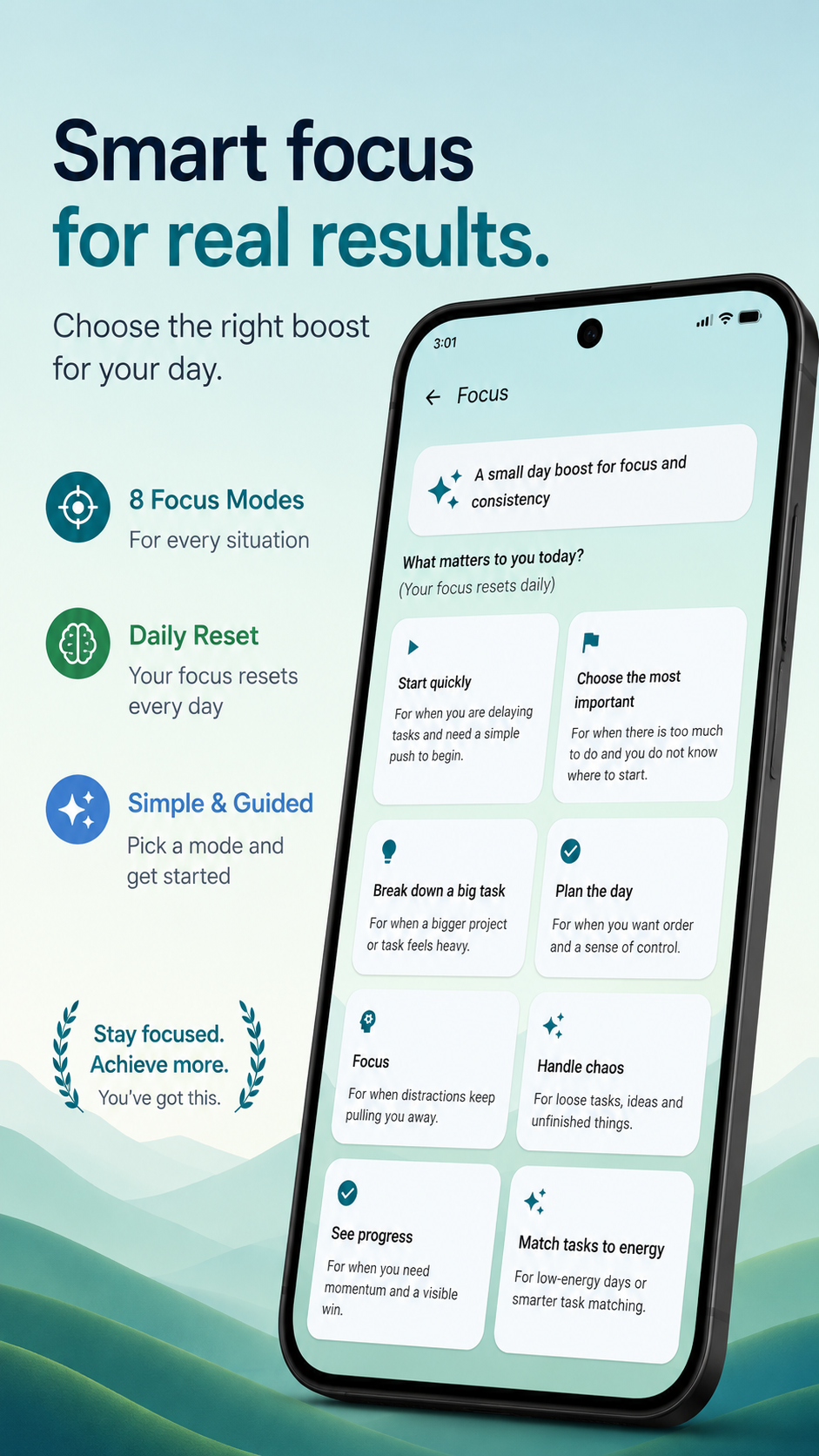
Get guided suggestions and focus modes designed to help you take the first step and keep moving forward.
Choose the right boost for your day.
Whether you need clarity, momentum or deep focus, the app adapts to your current energy and priorities.
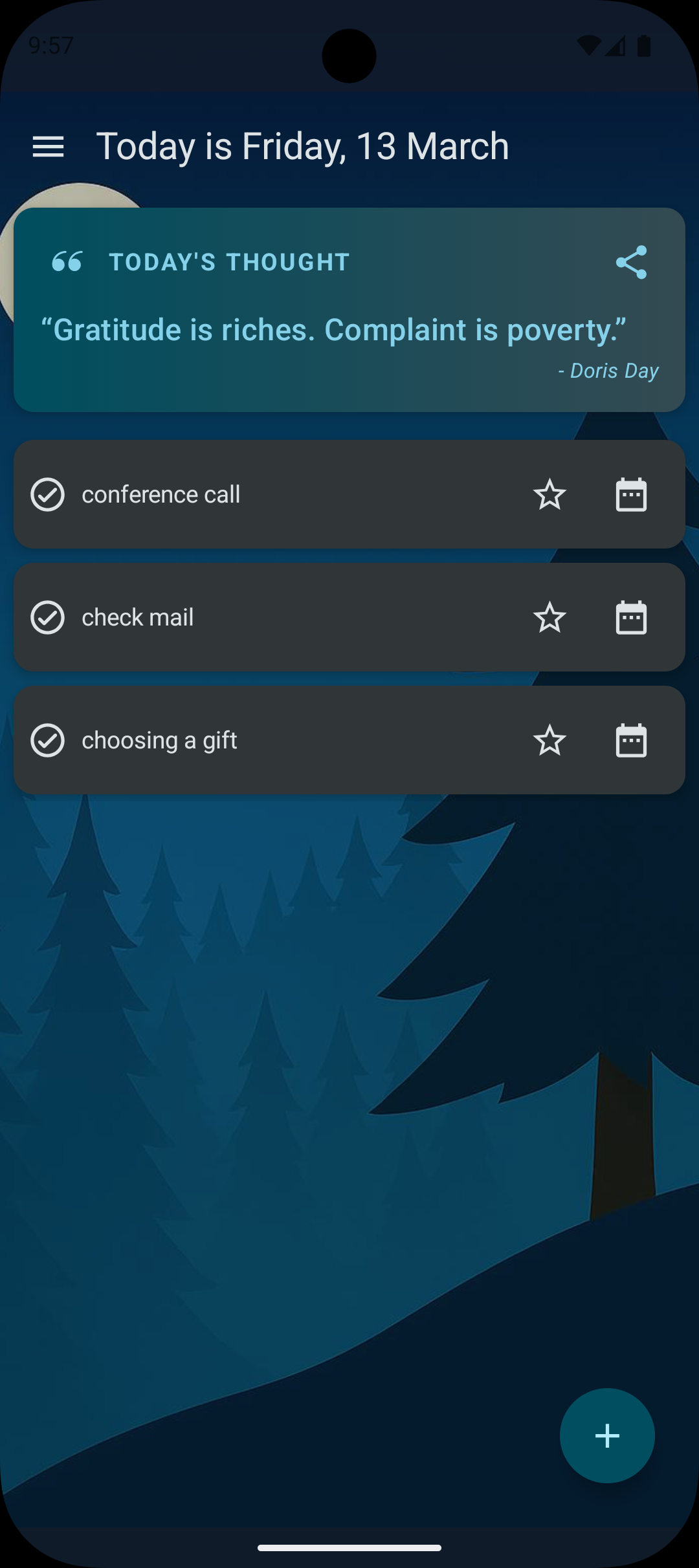
Start with the essentials for free, unlock more productivity tools with PLUS, or get the complete ToDo List experience with PRO.
| Feature | FREE | PLUS | PRO |
|---|---|---|---|
| Add tasks | ✔ | ✔ | ✔ |
| Add lists | ✔ | ✔ | ✔ |
| Task reminders | ✔ | ✔ | ✔ |
| Ads | Included | No ads | No ads |
| Daily summary | ✖ | ✔ | ✔ |
| Cloud Sync | ✖ | ✔ | ✔ |
| Focus | ✖ | ✖ | ✔ |
| Home Screen Widget | ✖ | ✖ | ✔ |
Everything you need to organize everyday tasks, create lists and set reminders.
Stay productive with Daily Summary, Cloud Sync and an ad-free experience.
The complete experience with everything in PLUS, Focus mode and the Home Screen Widget.
FREE includes the essential task management features. PLUS adds Daily Summary, Cloud Sync and removes ads. PRO includes everything in PLUS, plus Focus mode and the Home Screen Widget.
Open the subscription screen in the app and choose the plan that works best for you. Subscriptions are handled securely through Google Play.
Daily Summary helps you stay on track with optional morning and evening notifications about your tasks and daily progress. It is available with PLUS and PRO.
Cloud Sync lets you save your task data using Google Drive, helping you keep your data backed up and restore it when needed. It is available with PLUS and PRO.
Focus mode helps you concentrate on what matters most with guided productivity modes designed for different situations and energy levels. It is available with PRO.
The Home Screen Widget gives you quick access to adding a new task directly from your Android home screen. It is available with PRO.
Yes. Both PLUS and PRO remove ads from the app.
Yes. Your subscription is managed through Google Play, where you can view, change or cancel it at any time.